

Two-Factor Authentication (2FA)
Protect your Ziki Track account against unauthorized access. Enable 2FA under Security Settings to add a secure OTP verification step during login and safeguard your fleet and billing data.
7 Jun 2026
Updated On
We have introduced Two-Factor Authentication (2FA) to add an extra layer of protection to your Ziki Track account, ensuring your fleet and sensitive data stay safe even if your password is compromised.
What’s New:
Stronger Login Security: Adds a mandatory secondary verification step during the login process if enabled.
Unauthorized Access Protection: Safeguards your vehicle tracking history and billing data against credential exposure.
How to Enable It:
Log in to your Ziki Track account
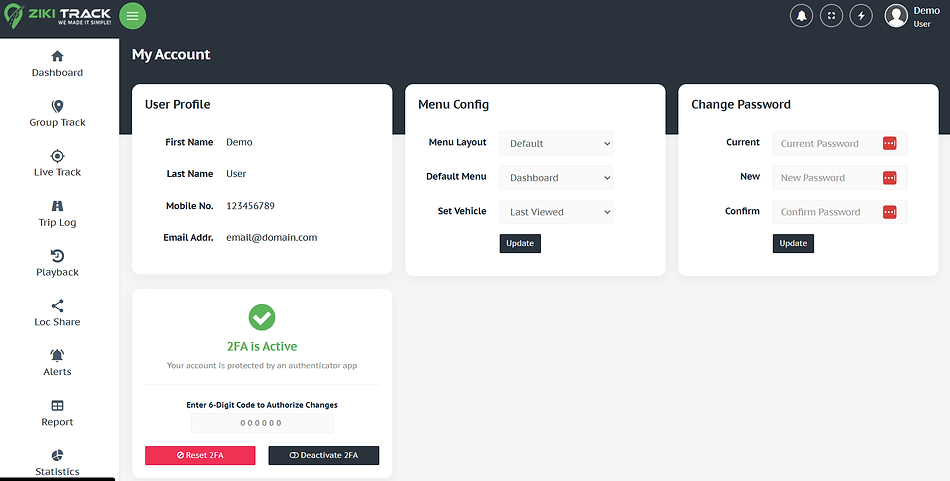
Go to My Account by clicking on the profile icon
Navigate to Set Up Secure Login (2FA) section
Open your Authenticator App (e.g., Google Authenticator or similar)
Scan the QR code displayed on the screen
Enter the generated OTP to complete setup
We strongly recommend enabling 2FA to enhance your account security and ensure safer access across all devices.